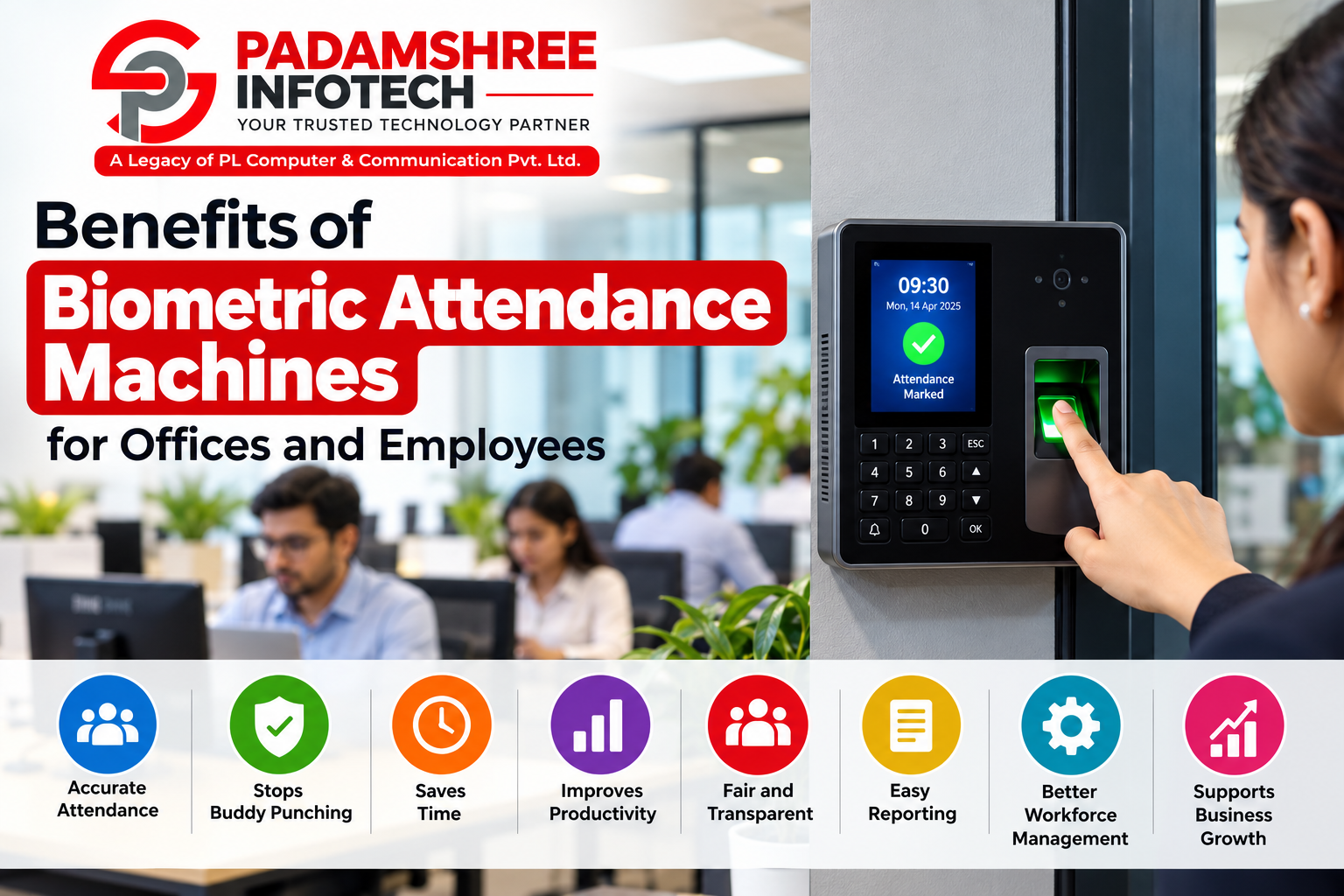
By Padamshree Infotech
Index
- Introduction
- What Is a Biometric Attendance Machine?
- How Does a Biometric Machine Work?
- Common Types of Biometric Attendance Machines
- Benefits of Biometric Attendance Machines for Offices
- Benefits of Biometric Attendance Machines for Employees
- Biometric Attendance vs Traditional Attendance
- Where Are Biometric Machines Used?
- What to Check Before Buying a Biometric Machine
- Why Choose a Trusted Biometric Dealer and Supplier in Delhi
- Easy Tips to Get the Best Results
- Common Myths About Biometric Attendance
- FAQs
- Conclusion
1. Introduction
Every office needs a clear and honest way to record who comes to work and when. For many years, people used paper registers and punch cards. These methods worked for a while, but they also created many problems. Someone could sign for a friend. Registers could get lost. Calculating salary at the end of the month could take days.
Today, a better answer is available: the biometric attendance machine. It uses a unique body feature, such as a fingerprint or a face, to mark attendance. Nobody else has your fingerprint, so nobody can mark attendance for you.
If you are planning to buy one for your business, it helps to know what you are getting. Many business owners look for the best biometrics in Nehru Place because the area is well known for computers, security devices and office technology. Whether you run a small shop, a school, a factory or a large company, this guide will explain the benefits in simple words so that everyone, young or old, can understand.
2. What Is a Biometric Attendance Machine?
The word “biometric” comes from two small parts: “bio” means life, and “metric” means measurement. So biometrics simply means measuring something about a living person.
A biometric attendance machine is a small device, usually fixed on a wall near the entrance. It checks a person’s body feature and matches it with the information already saved in the machine. If it matches, the machine records the name, date and time. That is it. No paper, no pen, no argument.
The most common body features used are:
- Fingerprint: The tiny lines on your fingertip are different for every person.
- Face: The machine looks at the shape and features of your face.
- Palm: The pattern of veins or lines in your palm.
- Iris: The coloured ring in the eye (less common and more costly).
Since these features cannot be borrowed, copied easily or forgotten at home, they make attendance much more trustworthy.
3. How Does a Biometric Machine Work?
The working of a biometric machine is easy to understand. It has three simple steps.
Step 1: Enrolment. First, each employee’s fingerprint or face is scanned and saved. The machine does not store a full photo of your finger. It converts the scan into a secure digital code called a template.
Step 2: Scanning. When the employee arrives at the office, they place a finger on the scanner or stand in front of the camera.
Step 3: Matching and recording. The machine compares the new scan with the saved template. If both match, the machine says “Thank you” or shows a green light, and the attendance is saved with the exact time.
Most modern machines can then send this data to a computer or to the internet. The office manager can open the reports in a few clicks and see who came on time, who was late, who took leave and how many hours each person worked.
4. Common Types of Biometric Attendance Machines
Not all machines are the same. Choosing the right type depends on the size of your office, your budget and the kind of work you do.
Fingerprint machines. These are the most popular and the most affordable. They are fast, simple and work well for most offices. They are a great choice for small and medium businesses.
Face recognition machines. These machines do not need you to touch anything. You just look at the camera. They became very popular after people started to care more about hygiene.
Card and fingerprint combination machines. Here, the employee can use a card, a fingerprint, or both. This is useful for large offices where thousands of people come in and out.
Cloud-based machines. These machines store data online. The owner can check attendance from a phone or laptop from any place, even when travelling.
Time and access control machines. These do two jobs. They record attendance and also control who can enter certain rooms, such as a server room or a store room.
If you are not sure which one suits you, speaking to an experienced biometric dealer in Delhi can save you both time and money, because they can suggest a machine based on your real needs.
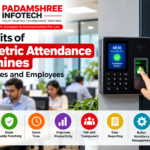
5. Benefits of Biometric Attendance Machines for Offices
Let us now look at how a biometric machine helps the business or office owner.
5.1 It Stops Buddy Punching
“Buddy punching” means one employee marks attendance for another who is absent or late. With a register or a card, this is very easy to do. With a biometric machine, it is almost impossible, because the machine needs the actual person to be there. This brings honesty and fairness to the workplace.
5.2 It Gives 100 Percent Accurate Records
Human beings can make mistakes while writing time in a register. They may forget, write the wrong time or even change the numbers later. A biometric machine records the exact second of arrival and departure. The records cannot be changed easily, so you can trust them.
5.3 It Saves a Lot of Time
In many offices, the accounts or HR team spends two to three days every month to count attendance and prepare salary. With a biometric machine, the report is ready in minutes. The staff can then use that saved time for more useful work.
5.4 It Makes Salary Calculation Simple
Most biometric machines can be connected to payroll software. The software automatically counts working days, late marks, half days, overtime and leave. This means fewer mistakes in salary and fewer arguments between staff and management.
5.5 It Reduces Cost in the Long Run
Paper, registers, cards and manual work all cost money. Lost cards must be replaced again and again. A biometric machine is a one-time investment, and it can work for many years. Over time, it saves more than it costs.
5.6 It Improves Discipline and Punctuality
When employees know that attendance is recorded properly and honestly, they tend to come on time. Late coming becomes less common, and the whole office runs in a more organised way.
5.7 It Improves Security
Biometric machines can also be used to control entry. Only approved people can enter sensitive areas such as the accounts room, the lab or the storage area. This protects your valuable things and private data.
5.8 It Provides Useful Reports
The owner can see daily, weekly and monthly reports. These reports show patterns, such as which department has the most late arrivals, or which days have the most absences. With this knowledge, managers can plan better and make smart decisions.
5.9 It Helps with Legal and Audit Needs
Companies must keep proper attendance records for labour laws, audits and government rules. Biometric data is clear, dated and easy to store, so it makes these tasks far easier.
6. Benefits of Biometric Attendance Machines for Employees
Many people think that biometric machines are only for the owner. In truth, employees gain a lot from them as well.
6.1 Fair Treatment for Everyone
In a manual system, honest workers sometimes feel bad when others cheat and get away with it. A biometric machine treats everybody the same. The person who works hard and comes on time gets proper credit.
6.2 Correct Salary Without Fights
Because every minute is recorded properly, employees get the right salary for the days and hours they actually worked. There is no confusion about whether a day was marked or not.
6.3 Proof of Your Hard Work
If an employee works extra hours, the machine records it. This becomes clear proof for overtime pay. Nobody can say, “I do not remember you staying late.”
6.4 No Need to Carry Anything
You cannot forget your fingerprint or face at home. There is no card to lose, no register to find and no pen to ask for. This makes life easier, especially for older staff members who do not like to deal with too many things.
6.5 Quick and Easy to Use
Marking attendance takes about one or two seconds. Even a person who has never used any technology before can learn it in minutes. You place your finger or look at the screen, and you are done.
6.6 Transparent Leave and Attendance Records
Many systems let employees view their own attendance, leaves and late marks on a mobile app or screen. This keeps everything open and honest, and it helps employees plan their leaves better.
6.7 A Better and Safer Workplace
When only authorised people can enter the office, employees feel safer. The company also knows exactly who is inside the building in case of an emergency, such as a fire.
6.8 Less Stress for the Whole Team
With no cheating, no confusion and no delay in salary, the working environment becomes calmer. Trust between management and staff grows over time.
7. Biometric Attendance vs Traditional Attendance
Let us compare the two systems side by side in simple words.
Accuracy: In a register, mistakes and false entries are common. In a biometric machine, records are exact.
Cheating: In a register or card system, a friend can mark attendance for you. In a biometric system, only you can mark your own attendance.
Speed: A register takes time to fill and to calculate. A biometric machine marks attendance in seconds and prepares reports automatically.
Cost: Paper and cards keep costing money again and again. A biometric machine is a one-time cost with low upkeep.
Records: Paper records can be torn, lost or damaged by water. Biometric records are stored digitally and can be backed up safely.
Reports: Paper needs manual counting. A biometric system gives instant reports, charts and summaries.
It is clear that the modern method wins on almost every point.
8. Where Are Biometric Machines Used?
Biometric attendance machines are not only for big companies. They are useful in many places:
- Offices and corporate companies to track working hours and prepare payroll.
- Schools and colleges to record teacher and staff attendance, and sometimes student attendance too.
- Factories and warehouses where hundreds of workers come in shifts.
- Hospitals and clinics to track doctors, nurses and support staff.
- Shops and showrooms where staff work in different timings.
- Hotels and restaurants with rotating shifts.
- Government offices to keep a proper record of staff presence.
- Gyms and coaching centres to manage member entry and staff time.
If you are searching for a biometric in Nehru Place for any of these places, you will find many options, but it is wise to pick a seller who understands your type of business.
9. What to Check Before Buying a Biometric Machine
Buying the right machine matters as much as deciding to buy one. Here are the key points to keep in mind.
Number of employees. Every machine can store a certain number of fingerprints or faces. Choose one with enough capacity for your present staff and future growth.
Speed of scanning. A good machine should recognise a person within one or two seconds. A slow machine creates long queues in the morning.
Type of recognition. Choose between fingerprint, face or a combination. For workers with rough or worn fingers, such as in factories, face recognition often works better.
Software and reports. Check that the machine comes with easy software. It should create reports that you can understand without special training.
Connectivity. Think about whether you need a USB, a network cable, Wi-Fi or cloud connection. Cloud models are best if you have more than one branch.
Power backup. Some machines have a battery inside, so they keep working even if the electricity goes off for a short time.
Build quality. The machine will be used by many people every day, so it should be strong and durable.
After-sales support. This is very important. If the machine stops working, you need someone who can fix it quickly. Ask about installation, training, warranty and service.
Price and value. Do not choose only the cheapest option. A slightly better machine from a reliable seller can save you many problems later.
10. Why Choose a Trusted Biometric Dealer and Supplier in Delhi
Delhi is a large city with a very big market for security and office devices. That is good because you get many choices, but it also means you must be careful. Not every seller offers original products, honest prices or proper service.
A trusted biometric supplier in Delhi gives you several important advantages:
- Genuine products with proper warranty.
- Honest advice that fits your real needs and budget.
- Fast installation so your office is ready to use the machine quickly.
- Training for your staff, so that everyone knows how to use it.
- Support when needed, including repair, software help and replacement.
- Support for different budgets, from small shops to large companies.
In the same way, a good biometric dealer in Delhi will not just sell you a box. They will help you set it up, connect it to your software and guide you whenever you face a problem. That long-term help is what makes the difference between a machine that works for ten years and one that gives trouble in the first month.
When you look for the best biometrics in Nehru Place, check how long the company has been working, what their customers say and whether they offer help after the sale. A seller who answers your questions patiently before you buy is usually a seller who will help you after you buy.
11. Easy Tips to Get the Best Results
Once you have your machine, a few simple habits will help it work properly for many years.
Place it at the right spot. Fix it near the entrance at a comfortable height, away from direct sunlight and water. Strong sunlight can disturb face and fingerprint scanners.
Enrol carefully. While saving fingerprints, scan each finger two or three times. Save more than one finger per person, in case one gets hurt.
Keep the scanner clean. Wipe the sensor gently with a soft, dry cloth. Dust, oil and dirt make scanning slower.
Tell employees how to use it. Show them how to place the finger flat and press lightly. Most scanning problems are caused by wrong finger placement.
Back up your data. Save a copy of attendance data on a computer or in the cloud regularly. This protects you if something goes wrong.
Update the software. Updates fix problems and add new features. Keep your system up to date.
Protect privacy. Tell your employees clearly how their data is used and stored. Keep it safe, share it only with the right people and use it only for work purposes.
12. Common Myths About Biometric Attendance
Some people hesitate to use biometric machines because of wrong ideas. Let us clear a few of them.
Myth 1: Biometric machines are only for big companies. Not true. Today there are affordable models that suit even a small shop with five or ten workers.
Myth 2: They store my full fingerprint photo. Most machines convert the scan into a coded template, not a full picture. It is very hard to turn this code back into a real fingerprint.
Myth 3: They are difficult to use. They are actually easier than registers. You touch or look, and that is all.
Myth 4: They fail if my fingers are dirty or rough. Slightly dirty or dry fingers may cause a delay, but face recognition and modern sensors handle this well. Keeping the sensor clean also helps.
Myth 5: They are too expensive. Considering the time and money saved on paper, errors and wrong salary payments, the machine usually pays for itself in a short time.
Myth 6: They can be fooled easily. Good machines have special checks to find fake fingerprints or photos. This is why buying from a reliable seller matters.
13. FAQs
Q1. What is a biometric attendance machine? It is a device that records a person’s attendance by checking a body feature such as a fingerprint or face. It saves the name and time automatically.
Q2. Is a biometric machine good for a small business? Yes. Even a small business with a few employees benefits from correct records, saved time and no cheating. There are budget-friendly models made for small offices.
Q3. Which is better, fingerprint or face recognition? Both are good. Fingerprint machines are affordable and widely used. Face recognition is touch-free and works well for people with worn fingers. The best choice depends on your workplace.
Q4. Can one person mark attendance for another? No. The machine needs the real person’s fingerprint or face, so proxy attendance is almost impossible.
Q5. Can I connect it to payroll software? Yes. Most machines can be linked with payroll software, which then calculates salary, overtime and leave automatically.
Q6. What happens if the electricity goes off? Many machines have a built-in battery that keeps them working for some hours. Saved data stays safe in the memory.
Q7. Is my personal data safe? Modern machines store data in coded form. To keep it safe, buy from a reliable seller, use strong passwords and allow only authorised people to see the data.
Q8. How long does a biometric machine last? With proper care, a good machine can work for many years. Regular cleaning and software updates help it last longer.
Q9. How long does it take to install? A basic machine can be installed and started within a few hours. Larger systems with software and many users may take a little longer.
Q10. Can the machine work with many branches? Yes. Cloud-based machines let you see attendance from different branches on one screen, from anywhere.
Q11. What should I ask the seller before buying? Ask about warranty, service support, installation, training, software, user capacity and whether the product is original.
Q12. Does biometric attendance work for night shifts and rotating shifts? Yes. The software can be set up for different shift timings, so day, night and rotating shifts are all recorded correctly.
14. Conclusion
A biometric attendance machine is much more than a modern gadget. It is a simple tool that brings honesty, speed and order to any workplace. For offices, it stops proxy attendance, gives accurate records, saves time, reduces costs and makes salary calculation easy. For employees, it brings fairness, correct pay, proof of extra work and a calm, trustworthy work environment.
The real key is choosing the right machine and the right seller. Think about your number of employees, your type of work and your budget. Pick a machine that is fast, strong and easy to use, and make sure the seller offers proper installation, training and support after the sale.
When you make that choice wisely, your biometric machine will quietly work for you every single day, keeping your records clean, your team happy and your business running smoothly. If you have been using registers or punch cards so far, now is a very good time to make the change.